How to change payment method from my account?
Posted on 2024-03-02 Updated on 2024-03-02To cha,ge payment method:
1. In the bottom-left corner of the ForceMailer Dashboard, click your Account Menu.
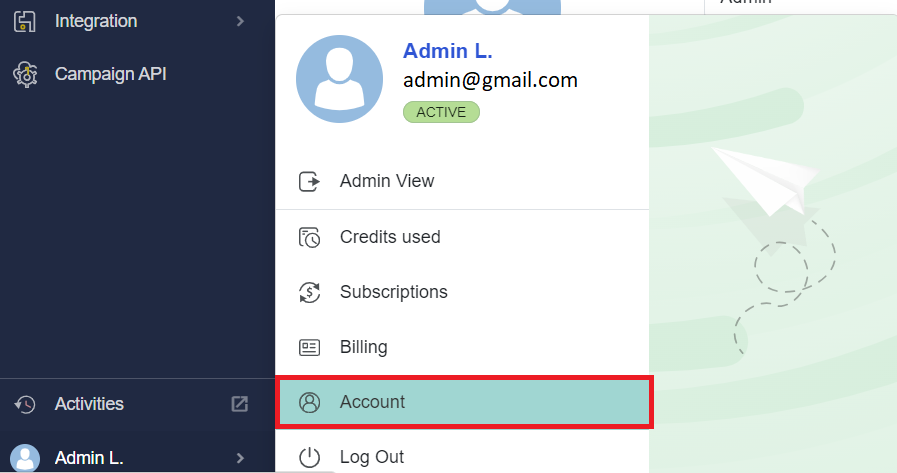
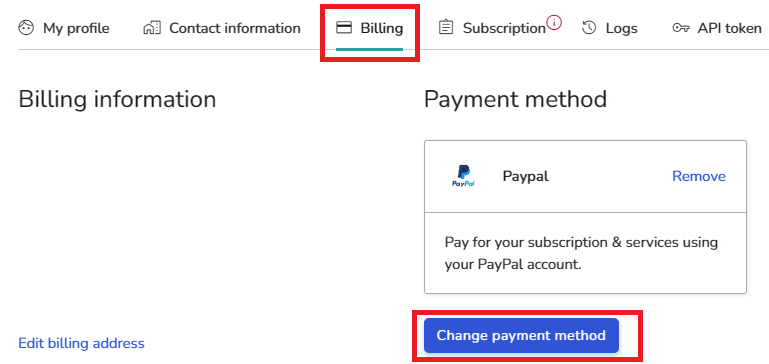
2. Next click Billing menu, next click Change payment method:
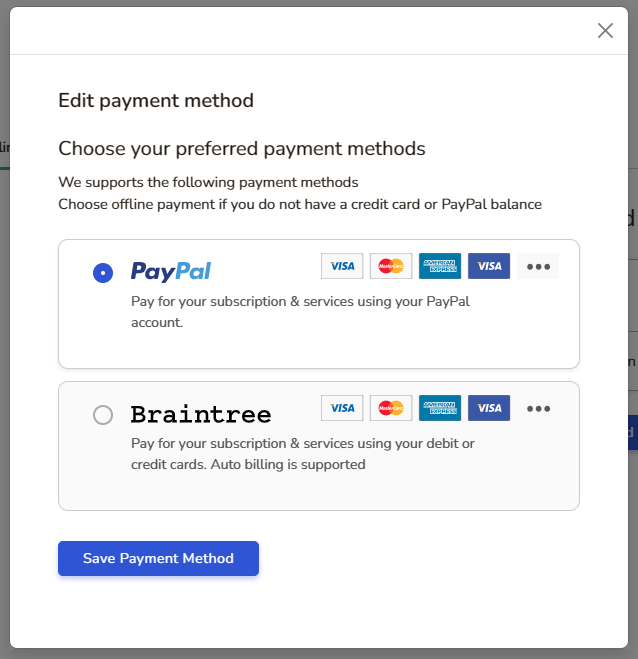
3. Finally, select a new method payment and click Save payment method button.
Found this article helpful?
[ 18 Out of 39 Found Helpful ]