How to create an automation message?
Posted on 2024-02-28 Updated on 2024-03-04To create an automation message, it must be added to ForceMailer. Follow the steps below:
1. Sign in to the ForceMailer Dashboard (if you haven't already done so).
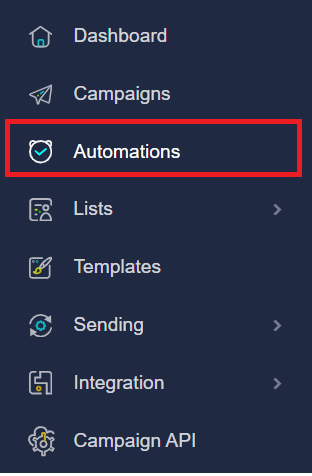
2. In the left-hand navigation pane, click on the Sending option to expand its list of suboptions.
3. Next, click Automation Menu.
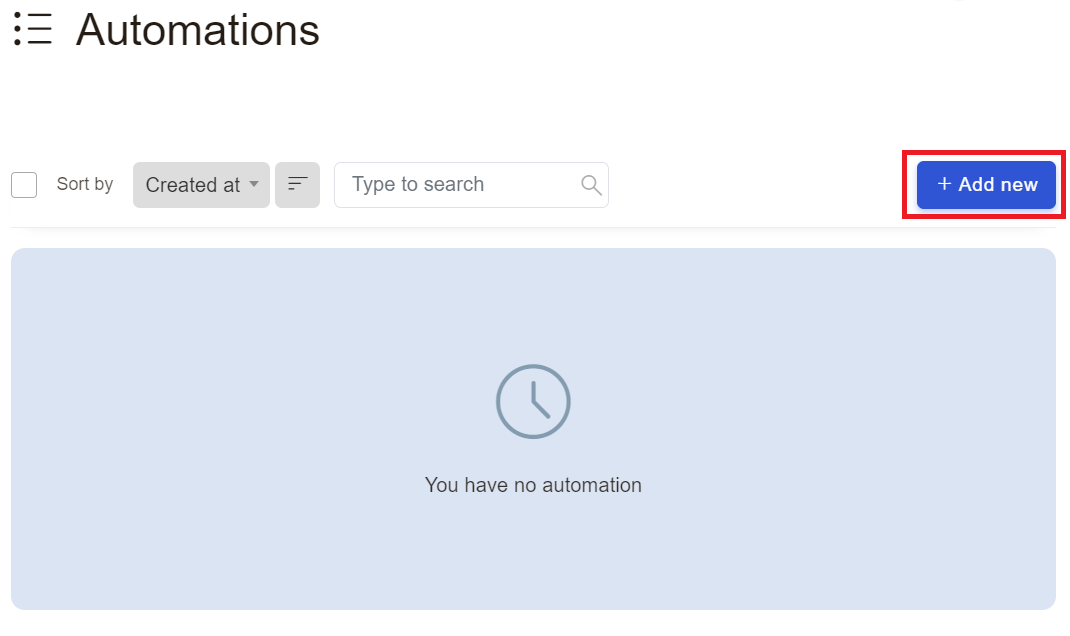
4. Next, click Add New Button:
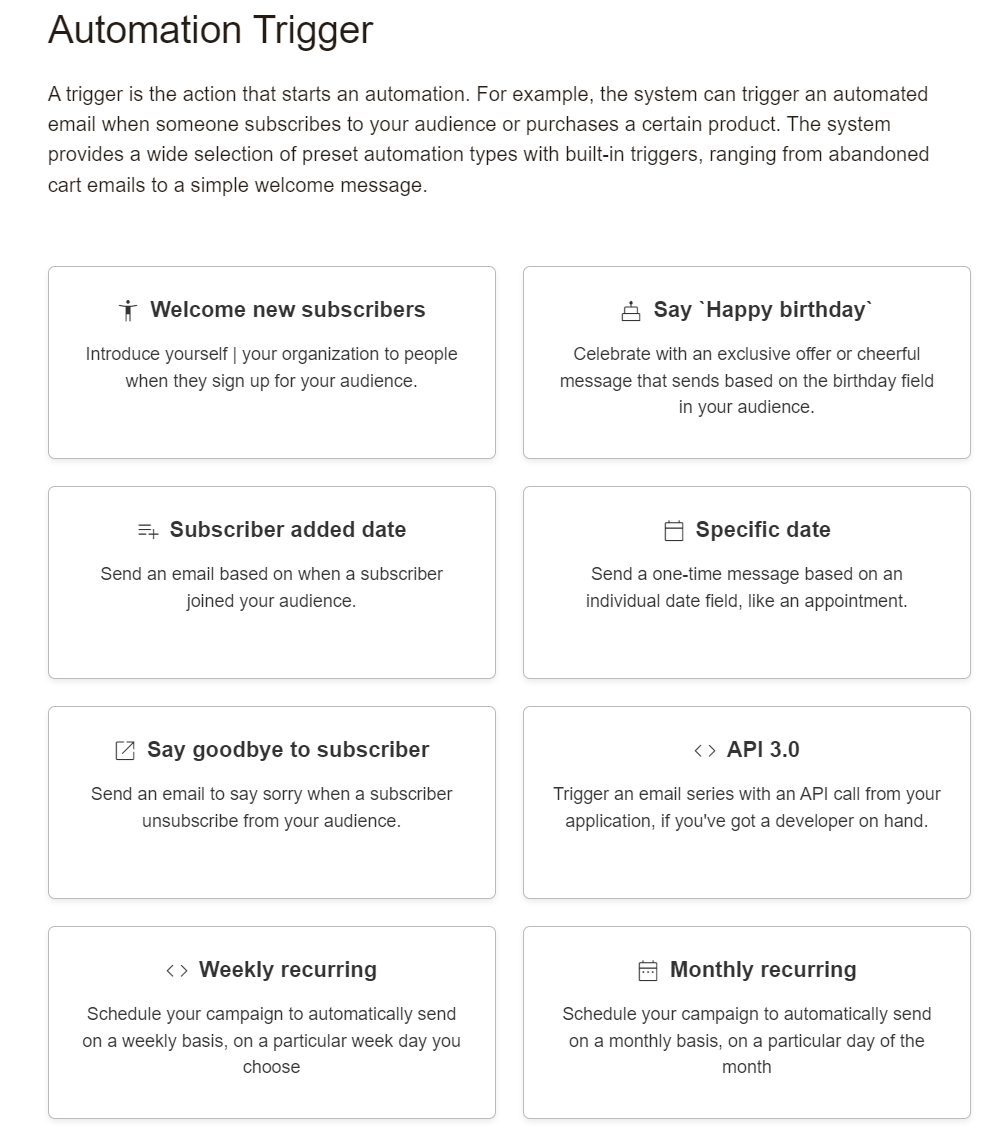
5. Next, Select Automation Trigger and click Create Automation
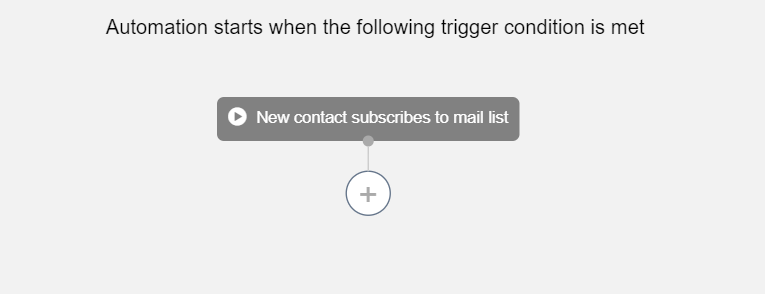
6. Finally, Start automation.
Found this article helpful?
[ 42 Out of 84 Found Helpful ]