How to cancel my subscription?
Posted on 2024-03-02 Updated on 2024-03-02How to cancel your subscription:
1. In the bottom-left corner of the ForceMailer Dashboard, click your Account Menu.
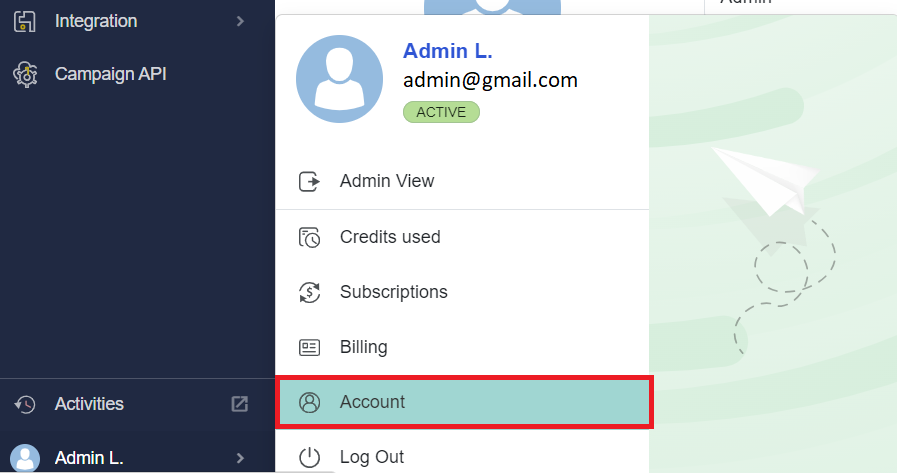
2. Next, click Subscription Menu and click Cancel now button.
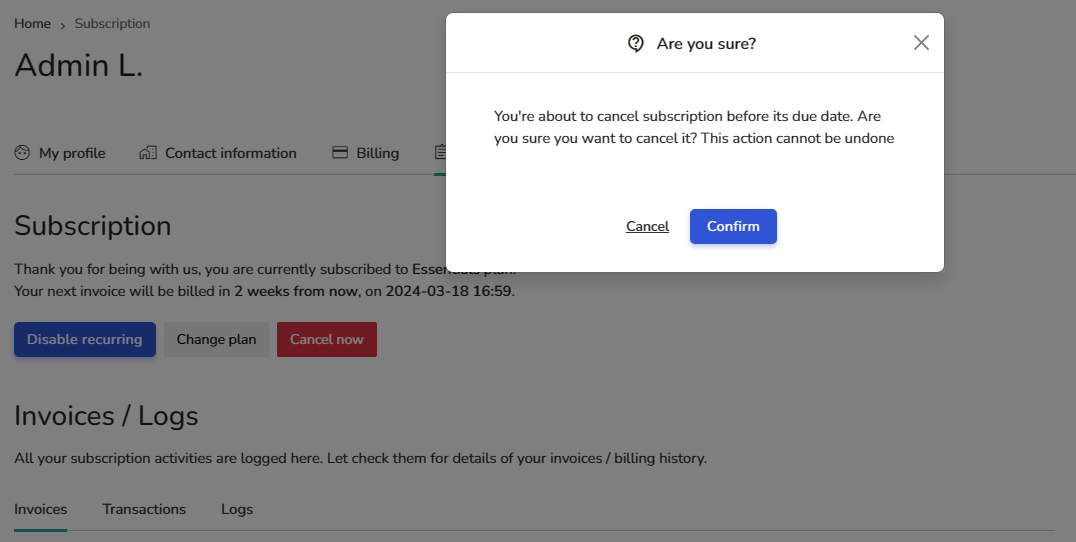
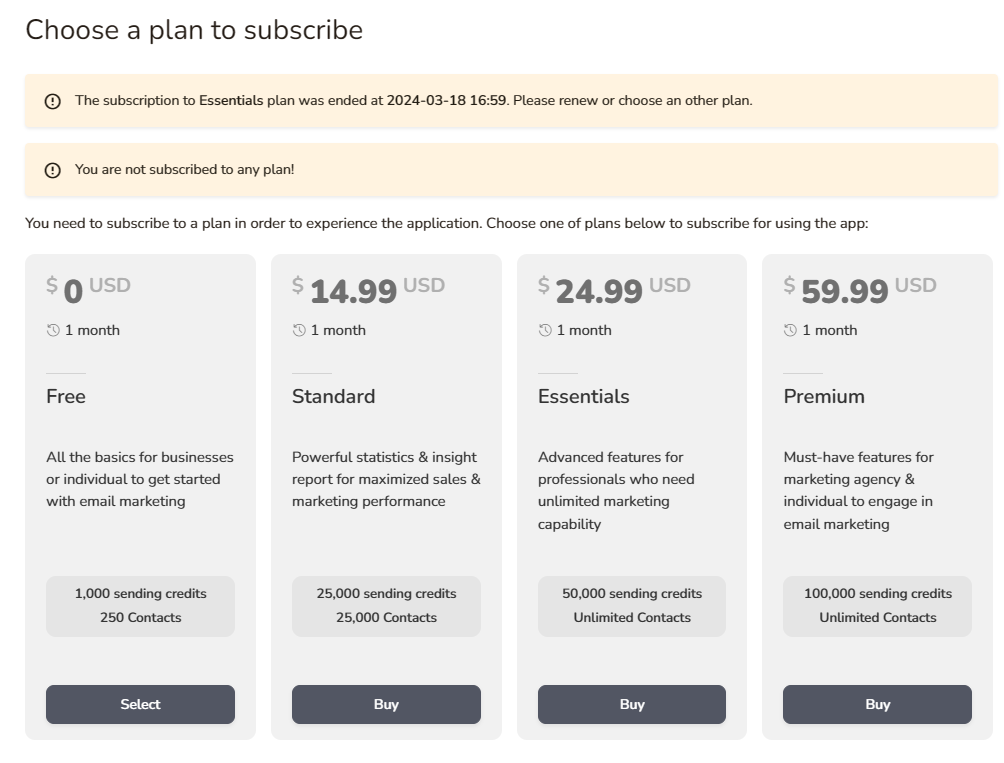
3. To confirm your cancel click Confirm button.
Found this article helpful?
[ 28 Out of 55 Found Helpful ]