What Is a Blocklist?
Posted on 2024-02-29 Updated on 2024-03-04In your ForceMailer account, you can block a specific email address by creating a blocklist rule on the List hygiene page. When you block contacts, you prevent them from adding to your existing and future lists. This option is useful if you’d like to stop contacts from resubscribing to your list. If you block contacts already subscribed to your list, you’ll stop them from receiving any of your messages.
1. Click Sending > Blacklist.
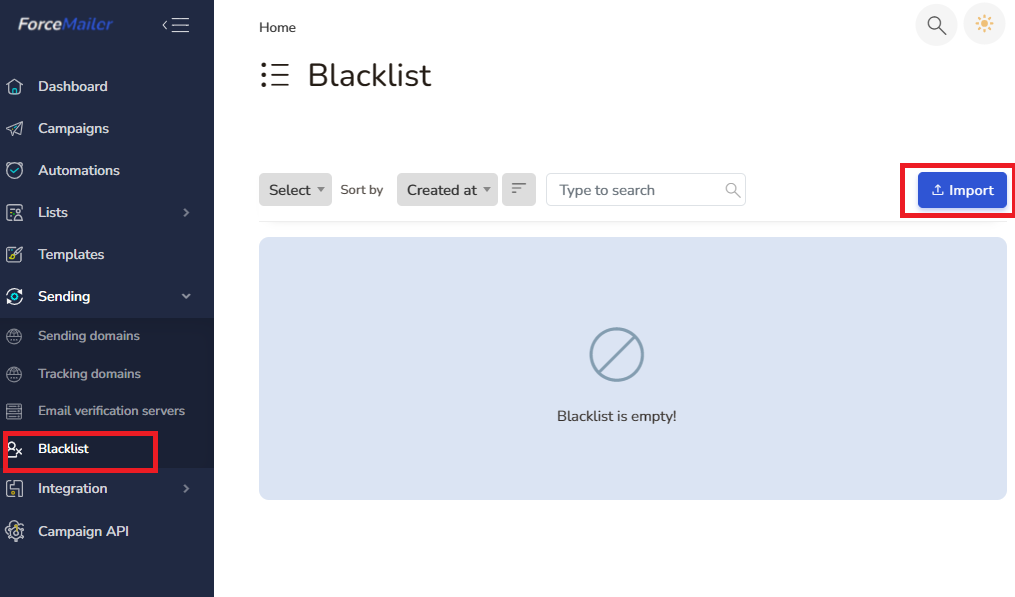
2. Click Imort Button and impot file of emails address to block.
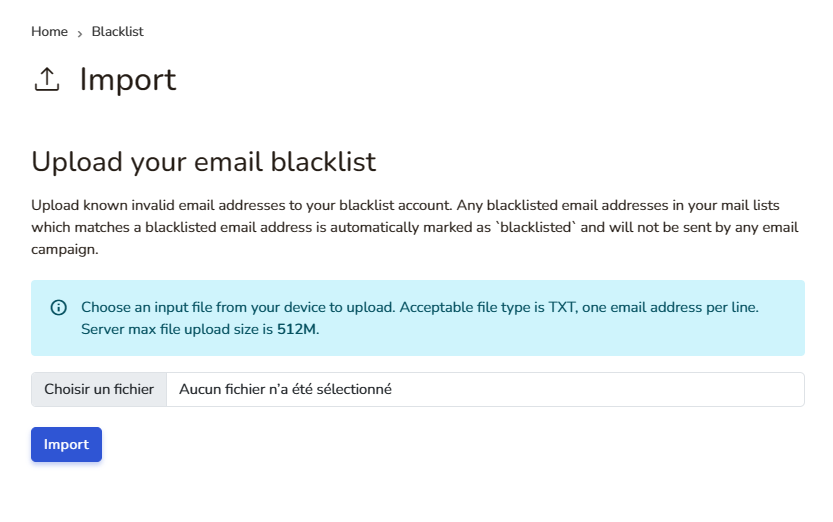
3. Next, import a file that contains email addresses with blocker and click on import
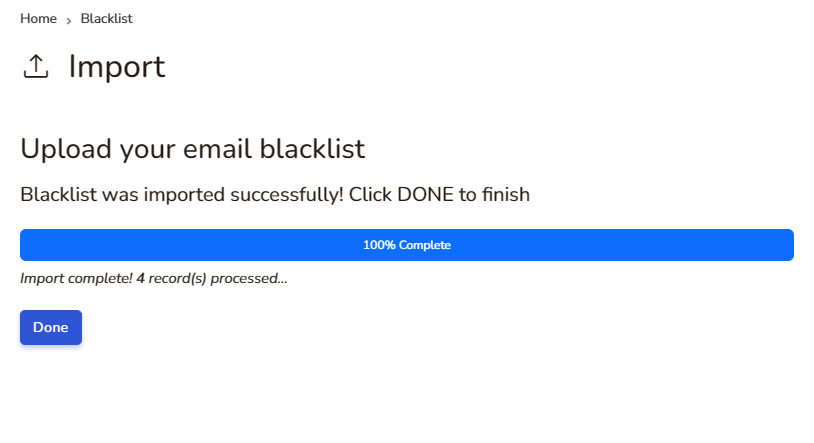
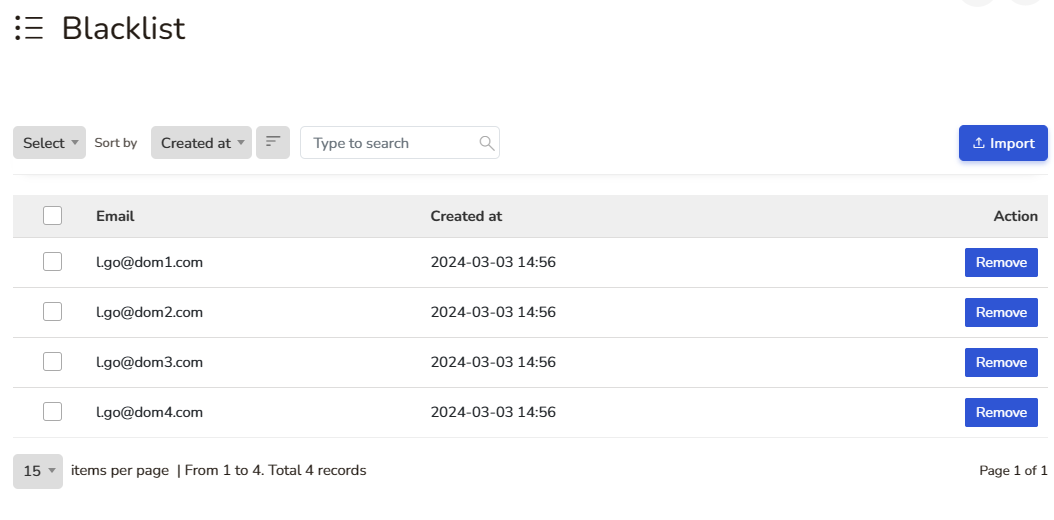
4. Finally, you will have a blocked emails address list. You can remove any address from this list.
Found this article helpful?
[ 39 Out of 70 Found Helpful ]